M

Download

Get Marvin.
Anywhere you are.

Free to start. 30-day Pro trial included. No card required on the web — App Store and Play Store hold a payment method on file but won't charge you during the trial. Your numbers, your timeline, your conversations — synced across every device.

  Heads-up: subscriptions are cheapest on the web — we use purchasing power parity for fair local pricing. App Store and Play Store apply their own regional tiers (close, but set by them). The app works the same either way.

iPhone & iPad

iOS 16 or later. Universal binary for iPhone and iPad.

Download on the App Store

v1.4.2 · 28 MB

Android

Android 12 or later. Available on Google Play.

Get it on Google Play

v1.4.2 · 32 MB

Web

Use Marvin in any modern browser. Nothing to install.

Open Marvin in browser

app.marvinmoney.com

No install. No card (on the web).

Try it in your browser
in 5 seconds.

Skip the download. Open app.marvinmoney.com, sign up with email or Google, and Marvin's already running — no payment method needed for the 30-day Pro trial.

app.marvinmoney.com / Budget
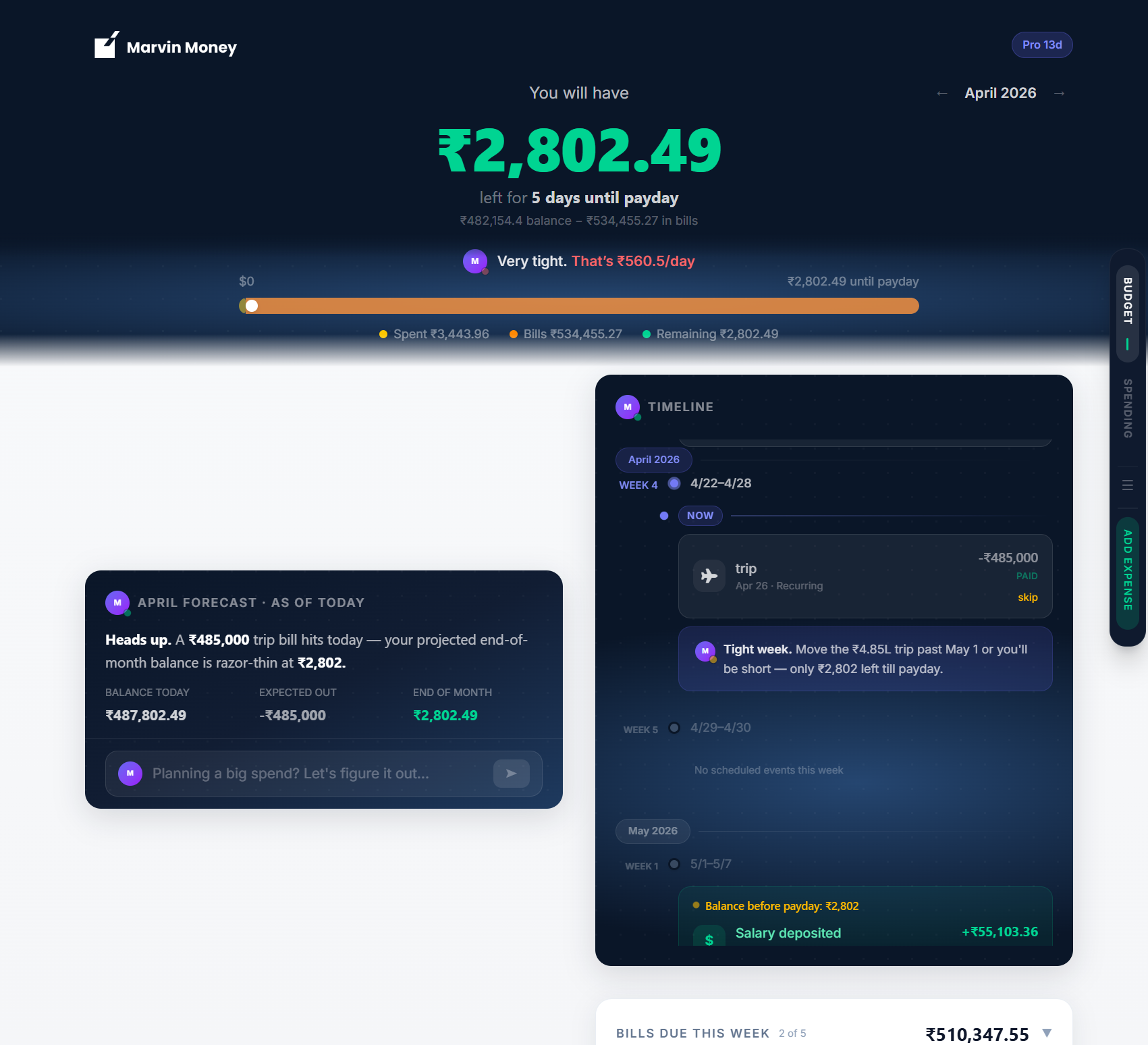
The Marvin Money Budget view at app.marvinmoney.com
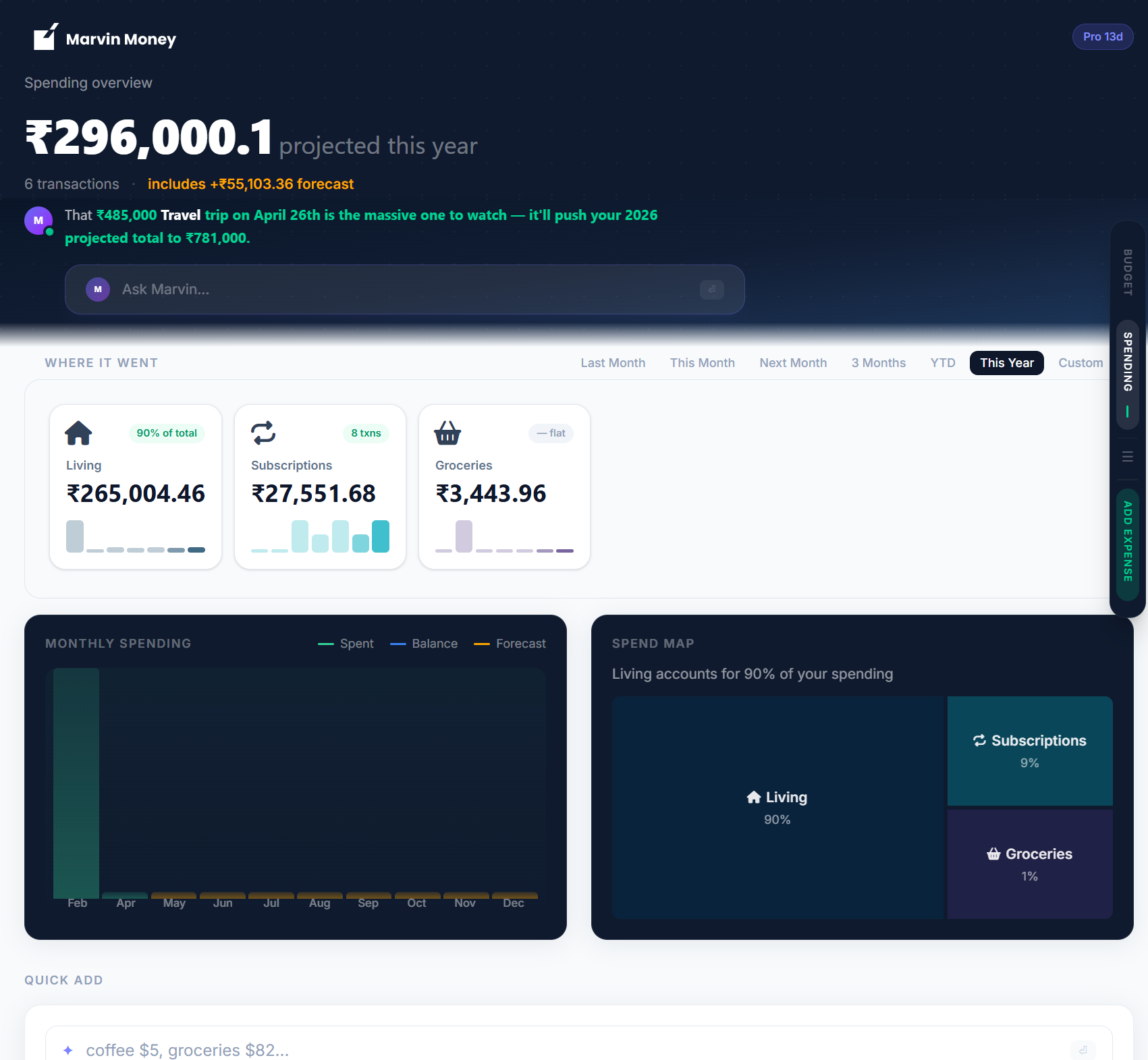
app.marvinmoney.com / Spending
The Marvin Money Spending view at app.marvinmoney.com

System requirements

What you need.

iPhone & iPad

iOS 16 or later. iPhone X or newer recommended for the smoothest experience. Marvin Vision scanning works best with a 12 MP camera.

Android

Android 12 or later. ARM64 architecture. Camera API 2 required for receipt scanning. Most devices from 2020 onward.

Browser

Latest two versions of Chrome, Safari, Firefox, or Edge. Works on macOS, Windows, Linux, ChromeOS. Mobile browsers also fully supported.