M

Download

Get Marvin.
Anywhere you are.

Free to start. 7-day Pro trial included. No card required on the web — App Store and Play Store hold a payment method on file but won't charge you during the trial. Your numbers, your timeline, your conversations — synced across every device.

  Heads-up: subscriptions are cheapest on the web — we use purchasing power parity for fair local pricing. App Store and Play Store apply their own regional tiers (close, but set by them). The app works the same either way.

iPhone & iPad

iOS 16 or later, iPhone and iPad. Free on the App Store — install it and every update lands on its own.

QR code linking to Marvin Money on the App Store
Download on the App Store

Android

Android 6 or later. Free on Google Play — install it and every update lands on its own.

QR code linking to Marvin Money on Google Play
Get it on Google Play

Web

Use Marvin in any modern browser. Nothing to install.

QR code linking to app.marvinmoney.com
Open Marvin in browser

No install. No card (on the web).

Try it in your browser
in 5 seconds.

Skip the download. Open app.marvinmoney.com, sign up with email or Google, and Marvin's already running — no payment method needed for the 7-day Pro trial.

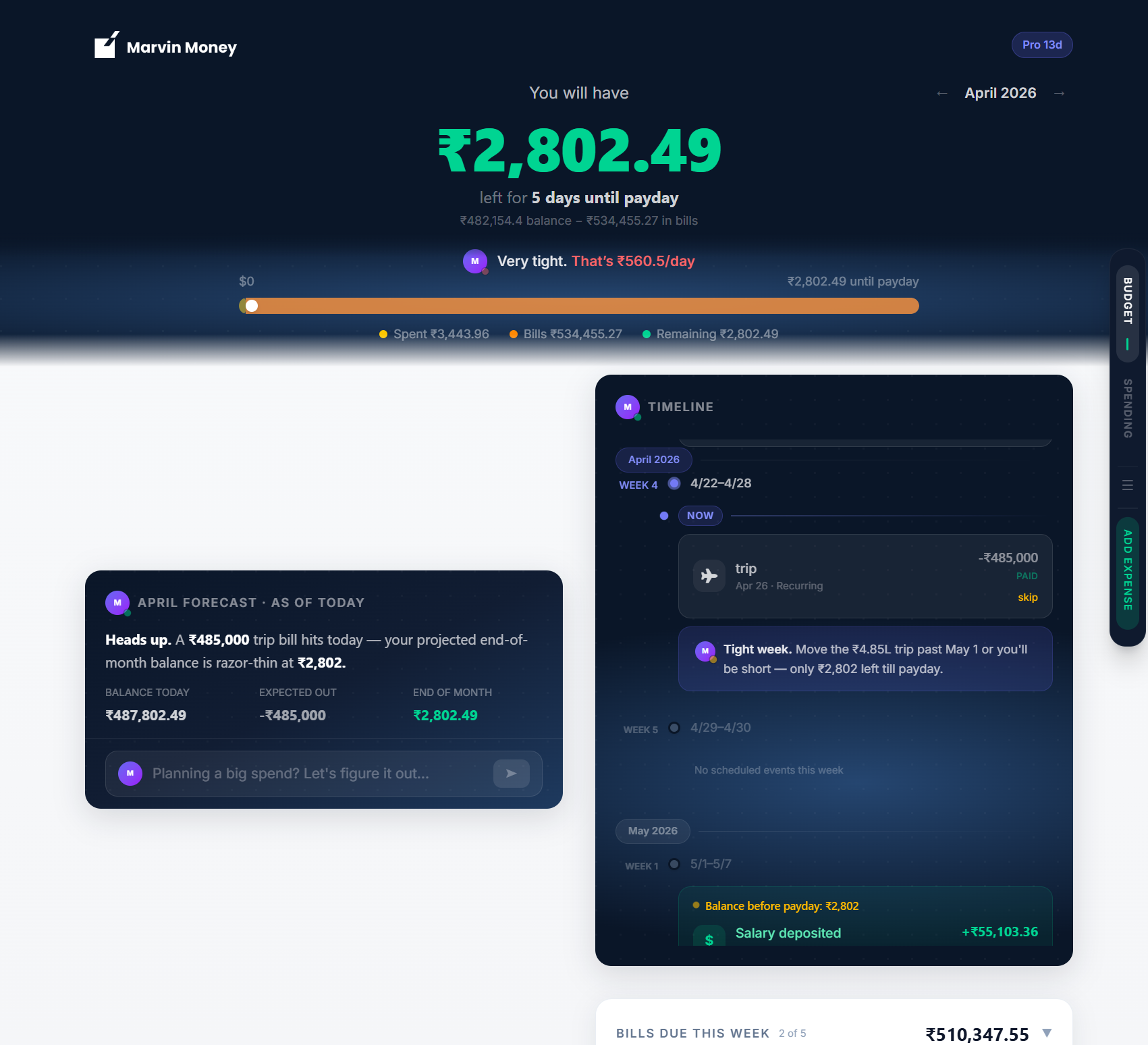
app.marvinmoney.com / Budget
The Marvin Money Budget view at app.marvinmoney.com
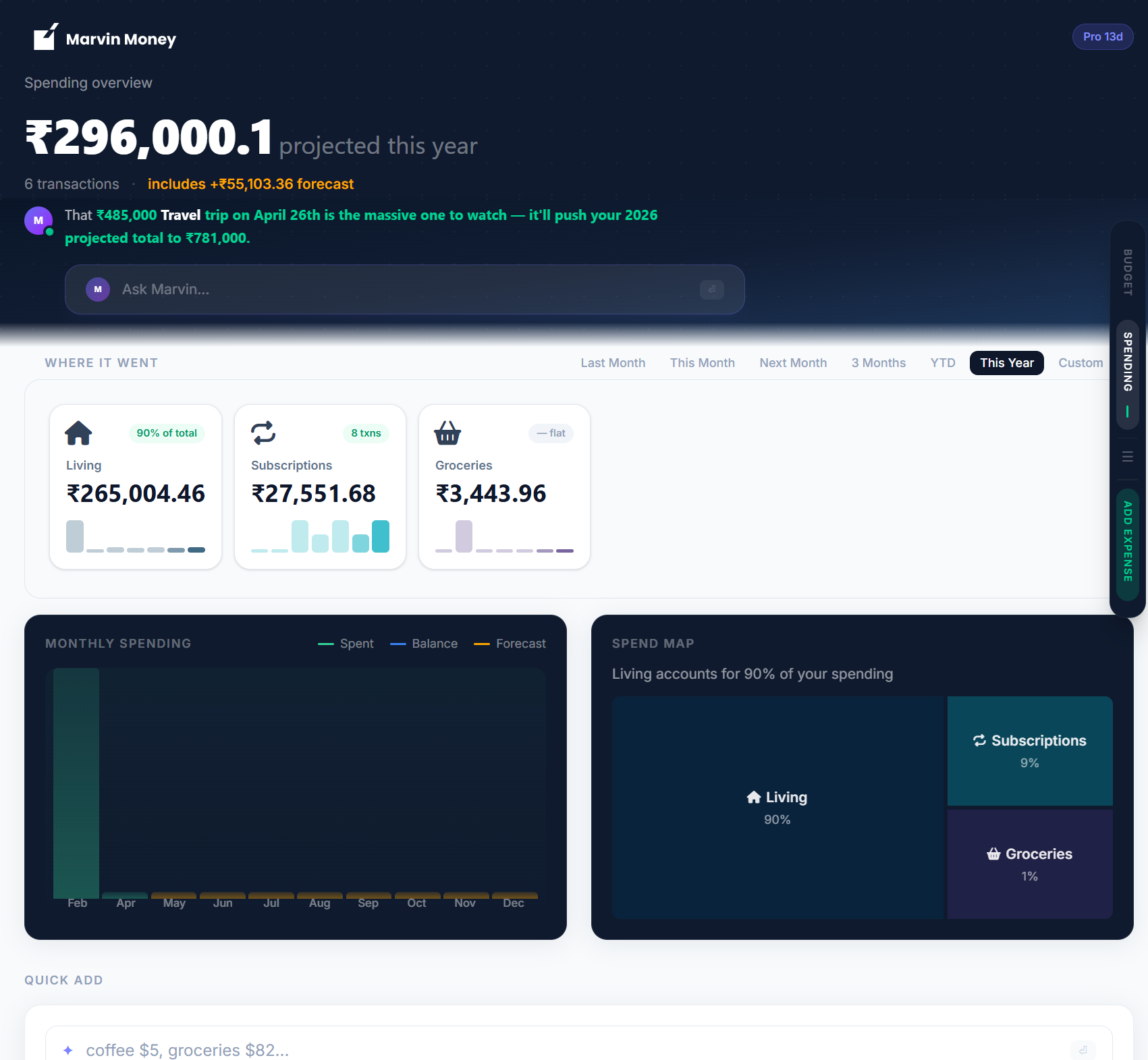
app.marvinmoney.com / Spending
The Marvin Money Spending view at app.marvinmoney.com

System requirements

What you need.

iPhone & iPad

iOS 16 or later, iPhone or iPad. Any camera works for receipt scanning — Marvin reads the photo, not the lens.

Android

Android 6 or later. Any camera works for receipt scanning — Marvin reads the photo, not the lens.

Browser

Latest two versions of Chrome, Safari, Firefox, or Edge. Works on macOS, Windows, Linux, ChromeOS. Mobile browsers also fully supported.